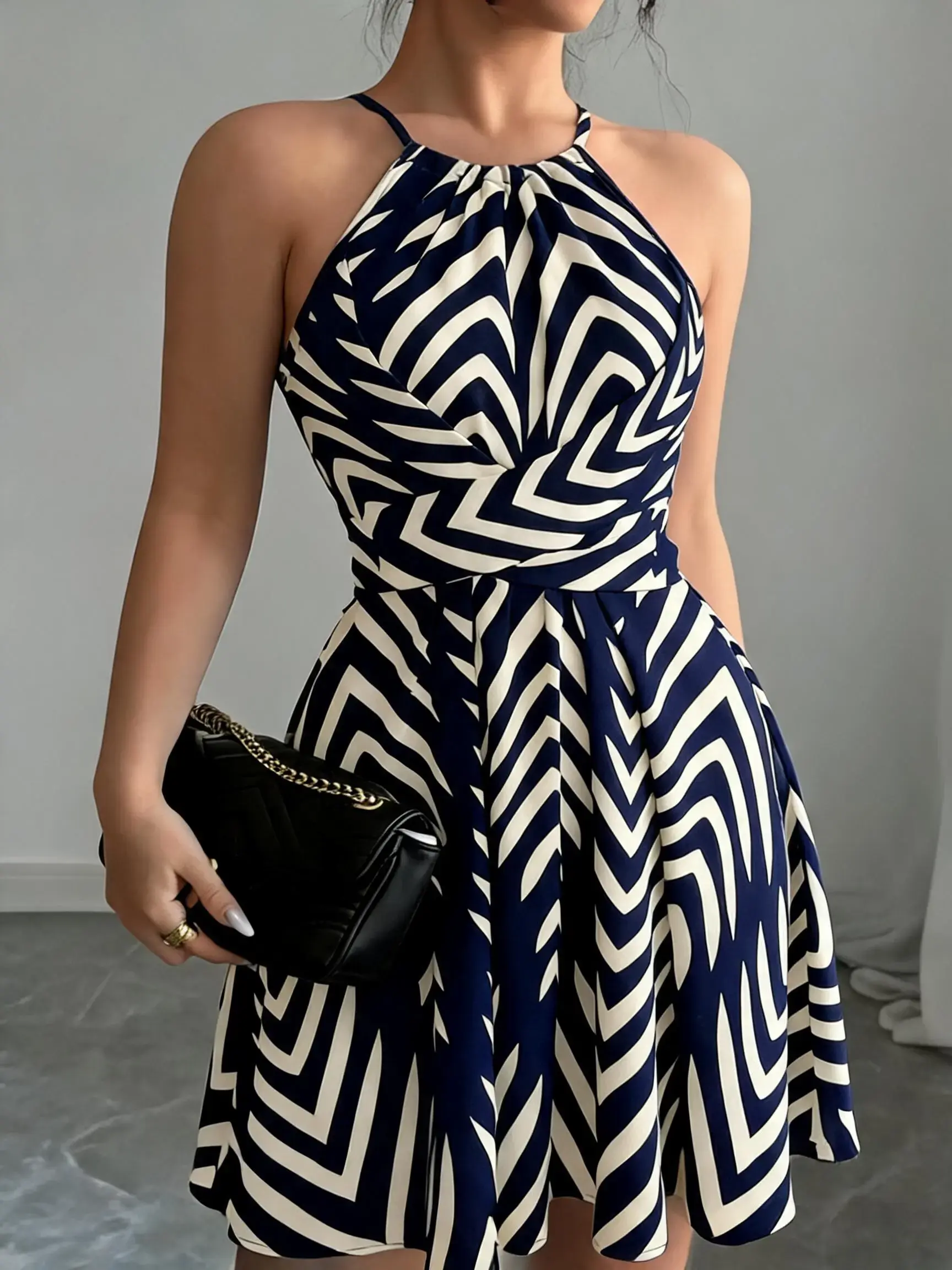
Arrow-print halter dress
Show the halter neckline, arrow print and how the skirt moves.
For apparel sellers on TikTok Shop, Amazon and their own stores
Zlink identifies what makes your garment stand out, finds a short video with a format that fits, and adapts the shots and narration to your product.
Supported product links: TikTok Shop · Amazon
See which garment details each video can bring into focus.
Show the halter neckline, arrow print and how the skirt moves.
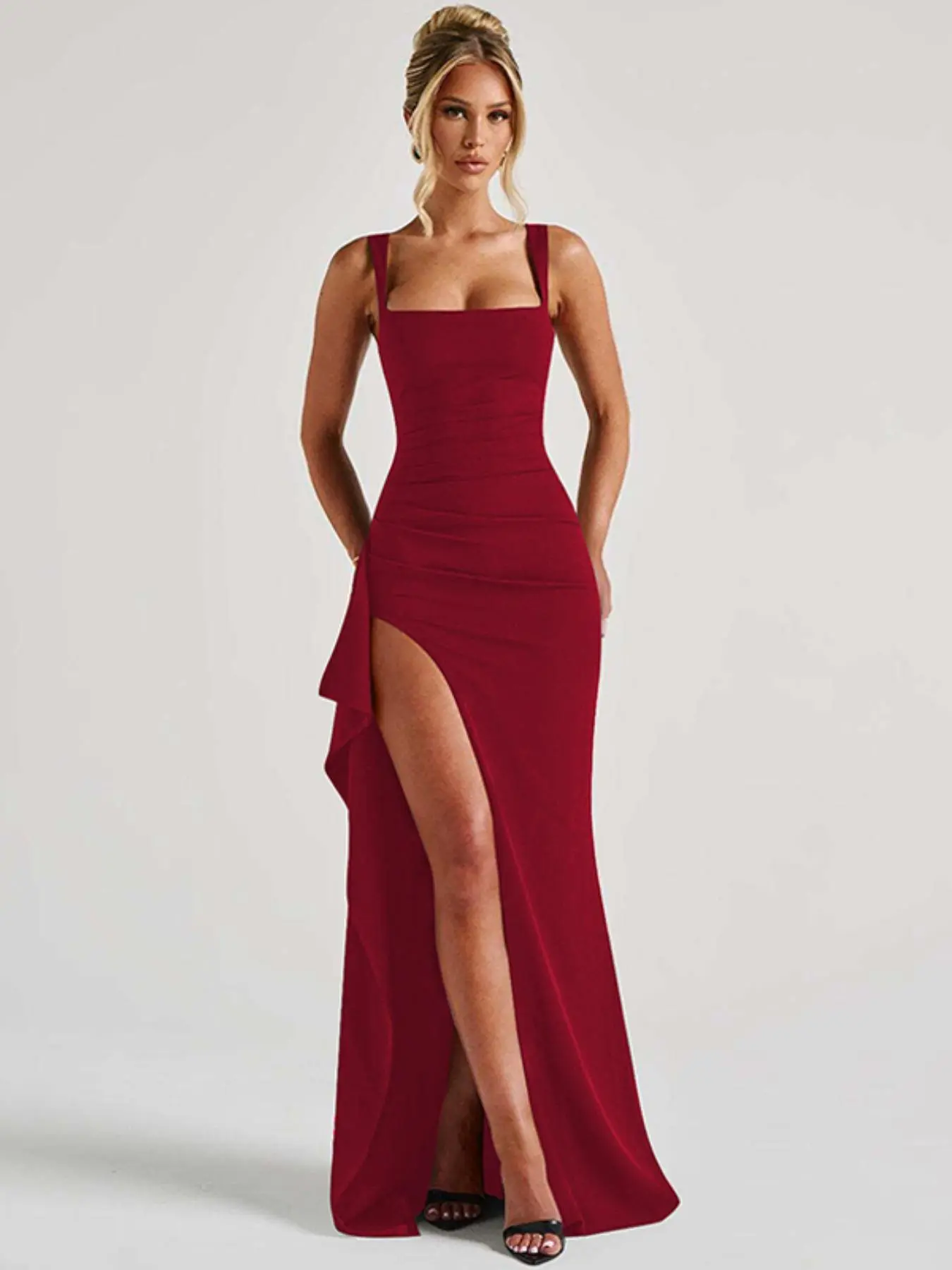
Frame the square neckline and show the slit as the wearer walks.
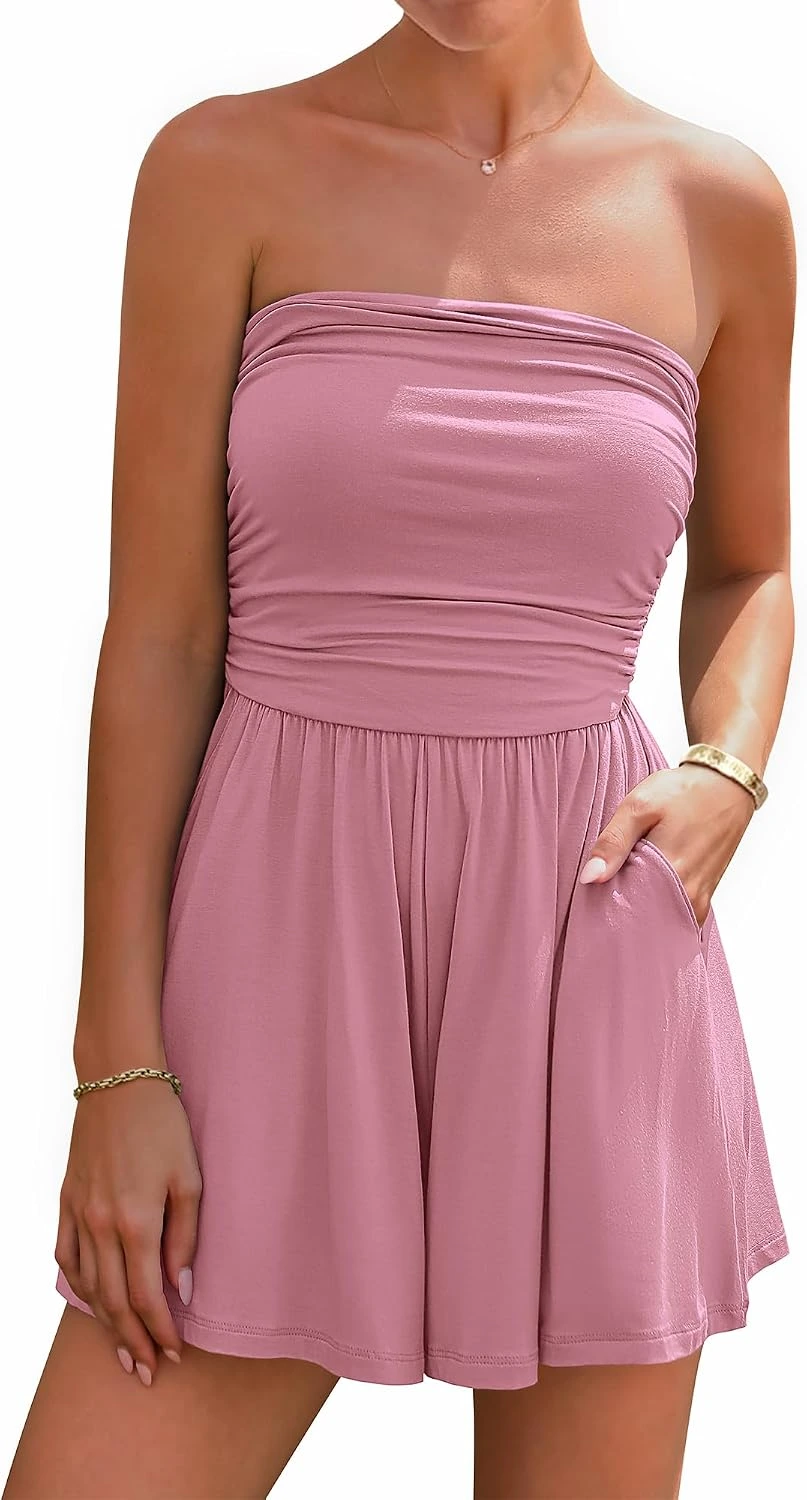
Show the strapless cut, gathered waist and pockets.
Copy the link to a specific product page on TikTok Shop or Amazon.
Sign in if prompted, then confirm the director plan in the workspace before moving on to video generation.
Choose shots that show fit, drape and details such as seams and necklines.
We study how apparel videos open, pace their shots and introduce selling points.
We study how apparel creators develop a recognizable style and recurring video formats.
Select an available video model for the director plan in the workspace.
Use the listing photos and description to identify fit, details and styling occasions, then find a short-video format that can show them.
Use the reference’s opening, pacing and shot structure to build a shot plan and narration around your garment.
Create the shots from your product imagery and the adapted plan.
Use a full HTTPS product detail link from TikTok Shop or Amazon. Support for standalone store links is still being verified.
You can start with an existing product page. Zlink uses the listing photos and description to identify what to show.
Zlink looks for a format that can show your garment’s fit, details or styling. It adapts the opening, pacing, shots and narration to your product.
Your link opens in the Zlink workspace. Sign in if prompted, then confirm the director plan before proceeding to video generation.
Compare the video with your listing photos. Check color, print, fit, neckline and fastenings. Use additional photos to verify angles the main image leaves out.
Available narration languages depend on the workflow. Check the language options in the Zlink workspace.